A good prompt and one reference photo will get you one good image of your character. The problems start around image forty: the jacket changes color, the mascot loses its markings, the product label turns into noise. Character LoRA training fixes this at the model level. We train a small add-on model (a LoRA) on your character, mascot or product, then generate the volume you need with it, so you get a consistent AI character across a whole content plan instead of a series of lookalikes.
This is a custom LoRA training service done by our team, not a self-serve trainer. You send images and tell us what the content is for. We prepare the dataset, write captions, train the LoRA, show you a test grid and start bulk generation only after you approve it. Below: when a LoRA is worth it, what we need from you, and where the limits are.
When you need a LoRA and when a reference is enough
Not every job needs training. For a handful of images, or edits of photos you already have, reference-based editing is faster. We use FLUX.1 Kontext [pro] and Nano Banana (through the Replicate API) to put your character or product into a new scene, or to change the background, outfit or angle. Nothing to train, nothing to wait for.
A LoRA pays off when:
- you need hundreds of images or clips, not ten;
- the character has details that must not drift: proportions, colors, markings, a specific outfit or packaging;
- it is an illustrated or stylized hero, where any deviation is noticed right away;
- you already generate in an SDXL or Flux template and want the character to be one more parameter of it;
- the content runs for months, and training once costs less than fighting drift every week.
| Reference editing | Trained LoRA | |
|---|---|---|
| Preparation | None | Dataset, captions, training, test grid |
| Good for | A few images, edits of existing photos | Hundreds of images and clips |
| Inside a ComfyUI template | Not in our setup: a separate API call | Yes, as part of the graph |
If you are not sure which one you need, send a few images and the planned volume. We will tell you which route makes sense. Sometimes the honest answer is that you don’t need a LoRA yet.
What to send, and rights to the character
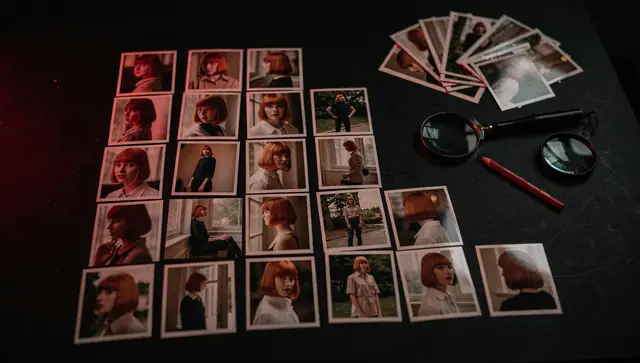
We train on 5 to 25 images. Variety matters more than count: different angles, lighting and backgrounds, the character sharp and clearly visible, no watermarks or text on top. A few specifics by type:
- Brand character or mascot: renders or illustrations from several angles, a turnaround sheet if you have one, the reference colors.
- Product: shots from several sides, with the shape, materials and label readable.
- Real person: photos in different light and settings, not ten selfies from the same session.
Also tell us what the content is for: platforms, formats, style, rough volume. How many images you actually need and how to pick them is covered in a separate guide: how many photos a character LoRA needs.
What we train on and what we don’t:
- your brand character, mascot, product or illustrated hero: yes;
- a real person: only with that person’s consent and rights to their likeness, confirmed before we start;
- celebrities, other companies’ characters and brands: no;
- adult content: no, with any character.
Which base model we train on
The rule is simple: train on the model you will generate on. A LoRA is tied to its base model family. A LoRA trained for SDXL works with SDXL checkpoints, a Flux LoRA works with Flux, and the two do not mix.
- SDXL is our main training pipeline (kohya). It has a wide choice of fine-tuned checkpoints and fits well when you need a specific illustrated or photographic style.
- Flux makes sense if your style or template is already built on Flux.
- Other base models: on request. We tell you up front whether we can do it.
If you already have a ComfyUI template, we train for the checkpoint it uses and then run the LoRA inside your graph; that part is described on your ComfyUI workflow, set up and run at scale. One caveat: a LoRA trained on a base model carries over to its fine-tunes, but likeness can shift on a heavily stylized checkpoint. That is why we check the character in the same setup that will run the bulk job.
How training goes
- Dataset review. We go through the images, drop blurry ones and near-duplicates, and ask for more if angles or lighting are missing.
- Captions. Every image gets a text caption describing what is in it, and you can review and correct them. This step matters more than it looks. Whatever the captions describe, the model treats as changeable; whatever they leave out, it learns as part of the character. If the mascot always wears a red scarf but you want scenes without it, the scarf belongs in the captions.
- Training. We train the LoRA on the base model you will generate on.
- Test grid. Before any volume, we generate a grid of test frames and you decide.
- Bulk generation with the approved LoRA.
Checking likeness on a test grid
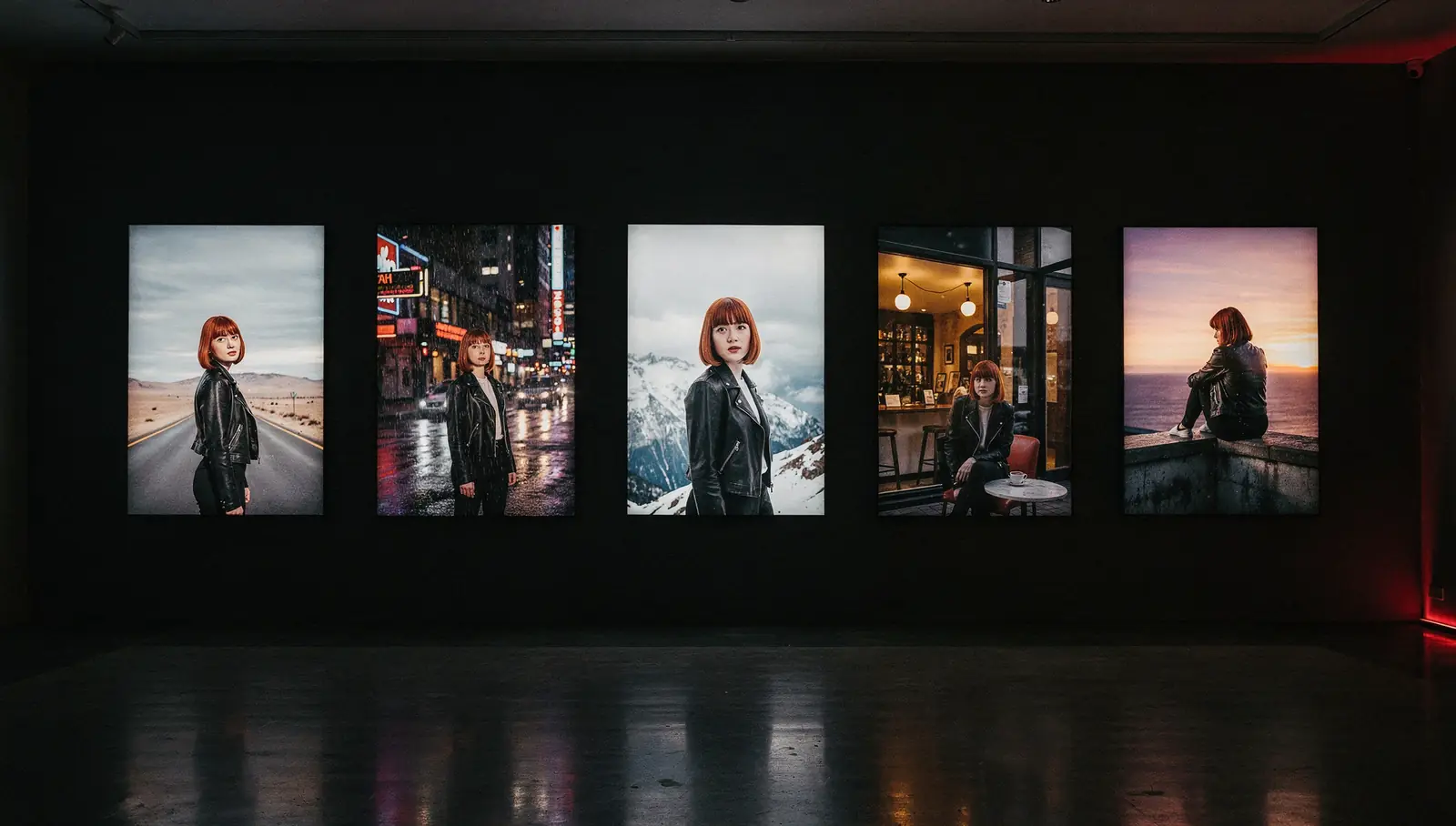
The grid shows the character in different situations: close-up and full figure, different lighting, angles and settings. We look at it first, then send it to you. What we check:
- the face or silhouette, proportions and colors;
- signature details: markings, outfit, logo, packaging shape;
- whether the LoRA is overtrained: every frame repeats the poses or backgrounds of the training images and ignores the prompt;
- whether it is undertrained: the character comes out as a generic version of itself.
If it doesn’t look right, we don’t start the bulk run. Usually the cause is the dataset (too few angles, different versions of the character mixed together, the same background in every photo) or the captions; sometimes the training settings or the choice of base model. We fix the cause and retrain. If the dataset can’t get better, for example there are only three usable images of the character, we say so instead of shipping a weak LoRA.
What we don’t promise is 100% likeness in every frame. A good LoRA holds the character reliably, not pixel for pixel. Small details are the weakest point: tiny logos, text on clothing, fine patterns. In a bulk run some frames will be off, and we remove them during manual review before delivery.
Bulk generation with your LoRA
Images. Once you approve the grid, the LoRA becomes part of the generation template: new poses, outfits, backgrounds, seasonal scenes, the product in different settings. First a trial batch for your approval, then the full volume, manual review and delivery as a ZIP archive or a folder link. Platform formats: 9:16 (1080×1920), 16:9, 1:1 and 4:5. Pricing and process are on bulk image generation.
Clips. Our video pipeline is WAN 2.2 image-to-video, which needs a start image. The LoRA works at that stage: we generate start frames with your character, and the video model animates them into short clips, vertical 9:16 by default. In motion, the face or small details can drift in some clips, so we reject those during review. Details are on bulk video generation.
A virtual character for your brand
A recognizable character is easier to build a channel around than a stream of unrelated images: the same hero in posts, stories, ad tests and seasonal campaigns. With a LoRA, that hero can appear in your product scenes and your visual style week after week, and a mascot stays the same mascot from the first post to the hundredth.
A few boundaries we hold: the character belongs to your brand, we don’t make adult content, and we don’t build characters that pass for a real person without that person’s consent.
If you want the content to go out regularly, we can also publish it to your own accounts on an agreed schedule. Nothing goes out without your approval, the accounts stay yours, you can stop at any time, and you get a report on what was published. That is the content factory service. For ad tests with the same character, see ad creative variations.
Price: from $99 for training
Training a LoRA starts at $99, one-time. That covers dataset review, captions with your review, the training itself and the test grid. The final figure depends on the base model, how complex the character is and how much work the dataset needs. We name it after we see your images.
Generation with the LoRA is priced separately: images from $0.10 each, video from $1.50 per clip. Setup and the trial batch are included in the generation order, and the minimum order is $50. Payment and timeline are agreed after the brief and the trial batch.
Start with your character
Send us the details through the request form: what the character is, 5–25 images or a link to them, what content you need and how much of it, and which model or template you use, if any. We will reply with the route (reference editing or a LoRA), the base model and a price estimate.