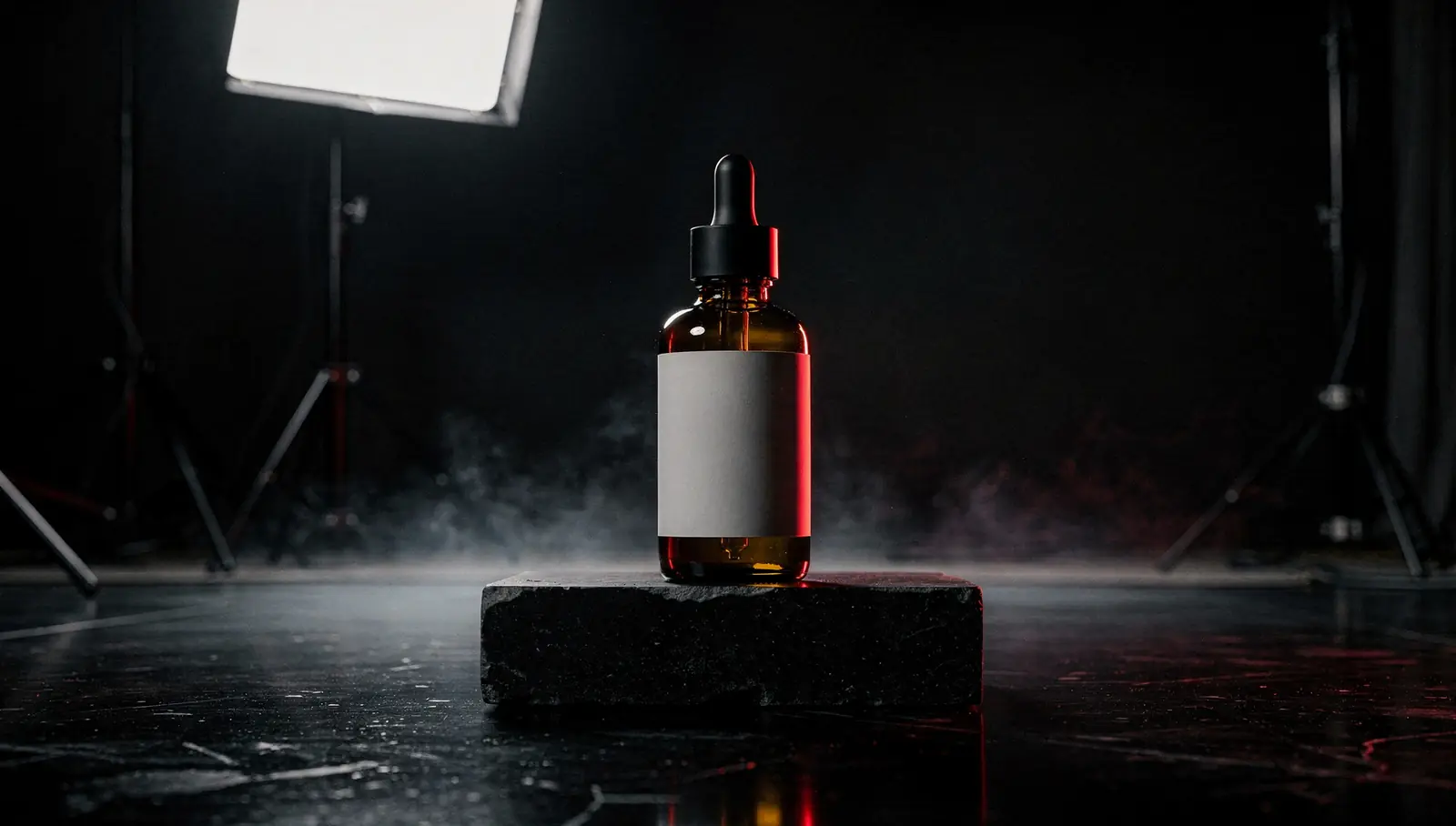
GoraGen is an AI product photography service built for catalogs, not single listings. You send product photos and a SKU list. We produce lifestyle scenes, on-model shots and seasonal variants in one visual style, run a test batch for your approval, then generate the rest and check every image by hand before delivery. Our team runs every order itself; there is no upload-and-done button.
If you need one product card today, the built-in tools on marketplaces and self-serve generators will get you there faster. We are useful when you have a hundred SKUs or more, the whole line has to look like it came from one shoot, and the product in the picture must stay the product you actually sell. That is what product photos at scale means to us: volume, one style, and no quiet changes to the goods.
What we make: AI product images for ecommerce
- Scenes. The product on a kitchen counter, a bathroom shelf, a desk, a picnic blanket. The setting matches the person who buys it.
- Backgrounds. Clean studio backdrops, color fields from your brand palette, textured surfaces like stone, wood or linen.
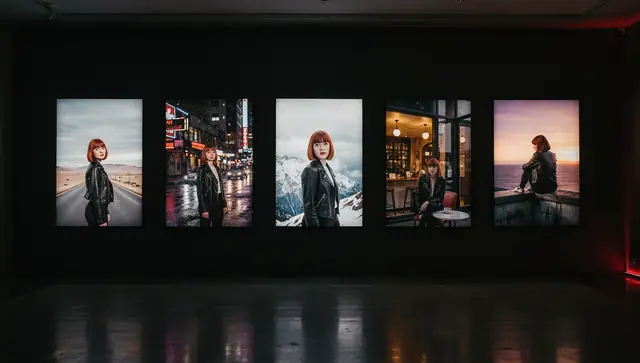
- On-model shots. A person holding, using or wearing the product: bags, jewelry, cosmetics, apparel, gadgets. An AI model photoshoot for ecommerce skips casting and studio days, but you still approve the look, pose and styling on the test batch before the run.
- Seasonal and campaign sets. The same SKUs placed in winter, summer, holiday or sale scenes without a new shoot.
- Video covers. Short clips made from the approved photos, covered below.
Standard aspect ratios are 1:1, 4:5, 9:16 (1080×1920) and 16:9. If a marketplace or ad channel needs a different size, put it in the brief.
How we keep the product unchanged
This is the hard part of AI product photos, and the main reason we sell it as a service rather than a tool. Generative models like to “improve” things: a label gets rewritten, a handle moves, a cap changes shape, a color shifts by a shade. We use three methods, often in combination, and pick one per product group on the test batch.
| Method | What it is | When it fits |
|---|---|---|
| Product LoRA | A small add-on model trained on photos of your product | Hero products that appear in many scenes; complex shapes |
| Reference editing | FLUX.1 Kontext [pro] or Nano Banana place your product photo into a new scene | Most catalog SKUs; simple shapes and packaging |
| Your ComfyUI workflow | A template your team already trusts: relighting, background swap, compositing | You have a pipeline and need it run at volume |
Product LoRA. We train on SDXL from 5 to 25 photos of the product, write captions for them and check the result on a validation grid before generating anything for the catalog. Training is a separate service with its own price; the details are on the LoRA training page, and the photo requirements are in how many photos a LoRA needs.
Reference editing. For many SKUs a LoRA is overkill. The model takes your product photo as the reference and builds a new scene around it. Setup is faster, and it works best on simple forms: boxes, bottles, jars, tubes. It is also the quickest way to make several variations of one approved shot.
Your workflow. If your team already has a ComfyUI template for product shots, we install it as it is and run it on your SKU list. The process is the same as our ComfyUI workflow service: custom nodes pinned to fixed commits, test batch, then the bulk run.
Manual check. Whatever the method, a person looks at every image before it goes into your archive. We compare it against your photos: shape, proportions, color, logo placement, the number of parts. Fine print and small logos are where generated images most often drift, so they get the closest look. Frames where the product changed are discarded, not retouched back into shape.
One style across the whole line
A catalog looks professional when its images look like one shoot. On the test batch we fix the parameters of that “shoot” and then leave them alone:
- the same set of scenes and backgrounds for each product category;
- one light direction and color temperature;
- the same camera angle and how much of the frame the product fills;
- the same model, if there is one. For a face that recurs across the catalog, we can train a character LoRA;
- one aspect ratio and resolution per channel.
When you add new SKUs a month later, they go through the same settings and sit next to the earlier ones without a visible seam. One-off generation in a chat tool is hard to hold to this standard: each session drifts a little, and three hundred small drifts add up to an inconsistent catalog.
Video covers from the same photos
Approved photos can become short video covers for product pages and social posts. This is image-to-video: we take a finished frame and animate it with WAN 2.2. The output is a clip of about 5 seconds, vertical 9:16 by default; other formats on request.
We keep the motion modest: a slow camera move, shifting light, fabric, steam, a splash in the background. The more the product itself moves, the more chances it has to change shape, and a deformed product in a cover hurts more than a static photo. Clips go through the same manual check as images. The full pipeline, with frame interpolation and upscaling, is described on the bulk video generation page.
Video covers need a start frame, so they come after the photos are approved. Check what your platform accepts for video (length, aspect ratio, file size) and include it in the brief.
What we don’t do
- Infographics and text on images. No callouts, badges, size charts or captions. We deliver clean images; your designer or your listing tool adds the text layer.
- Guaranteed 1:1 retouching without a check. We don’t promise that every detail matches by default. That is what the test batch and the manual review are for, and why some products need a LoRA instead of quick editing.
- Changing or “improving” the product. We don’t swap the item for a nicer one, add features it doesn’t have, make it look bigger, or fix its materials and colors. Marketplace rules and advertising and consumer protection laws expect the image to show what the buyer will receive.
- Promises about moderation. Image rules differ between platforms and change over time. We work to the spec you send; whether a listing passes review is up to the platform.
What to send us
- Product photos from several sides: front, back, sides, top, plus close-ups of the logo, labels and textures. Sharp, in even light, no heavy filters.
- A SKU list: a spreadsheet with the SKU code, name, category, and which scenes or sets each product needs.
- Style examples: your existing shots, photos from other brands you like, a moodboard. Two or three references say more than a paragraph of description.
- Channel specs: which marketplaces and ad channels, which sizes, main image or gallery.
- Volume and timing: how many images per SKU, and whether the catalog goes in one run or in waves.
How an order runs
- Brief. We go through the SKU list and photos and propose a method for each product group.
- Setup. Scenes, style, a model if needed, LoRA training for the products that need it.
- Test batch. A handful of SKUs in every planned scene. You approve it or send notes.
- Bulk run. The approved settings go into production. Small orders run on our own GPUs; large catalogs run in parallel on rented GPUs.
- Manual review. We discard every frame where the product drifted.
- Delivery of the approved images, plus video covers if they are part of the order.
Price per image and a sample calculation
Images start from $0.10 each. Product LoRA training is from $99 one-time per product, and video covers start from $1.50 per clip. Setup and the test batch are included in the order. The minimum order is $50. The final per-image rate depends on the method and resolution; payment and timing are agreed after the brief and the test batch.
A sample catalog at starting rates:
| Item | Quantity | Starting rate | From |
|---|---|---|---|
| Catalog images | 120 SKUs × 5 images = 600 | $0.10 per image | $60 |
| Product LoRA for hero products | 2 | $99 one-time each | $198 |
| Video covers | 120 | $1.50 per clip | $180 |
| Total | from $438 |
Most of this catalog runs on reference editing; a LoRA is trained only for the two products that appear in every campaign. We would start with that split and let the test batch show whether more products need one.
Start with a test batch
Send a few product photos, the SKU list and two or three style examples through the form. We reply with a method for each product group, a quote and a plan for the test batch.