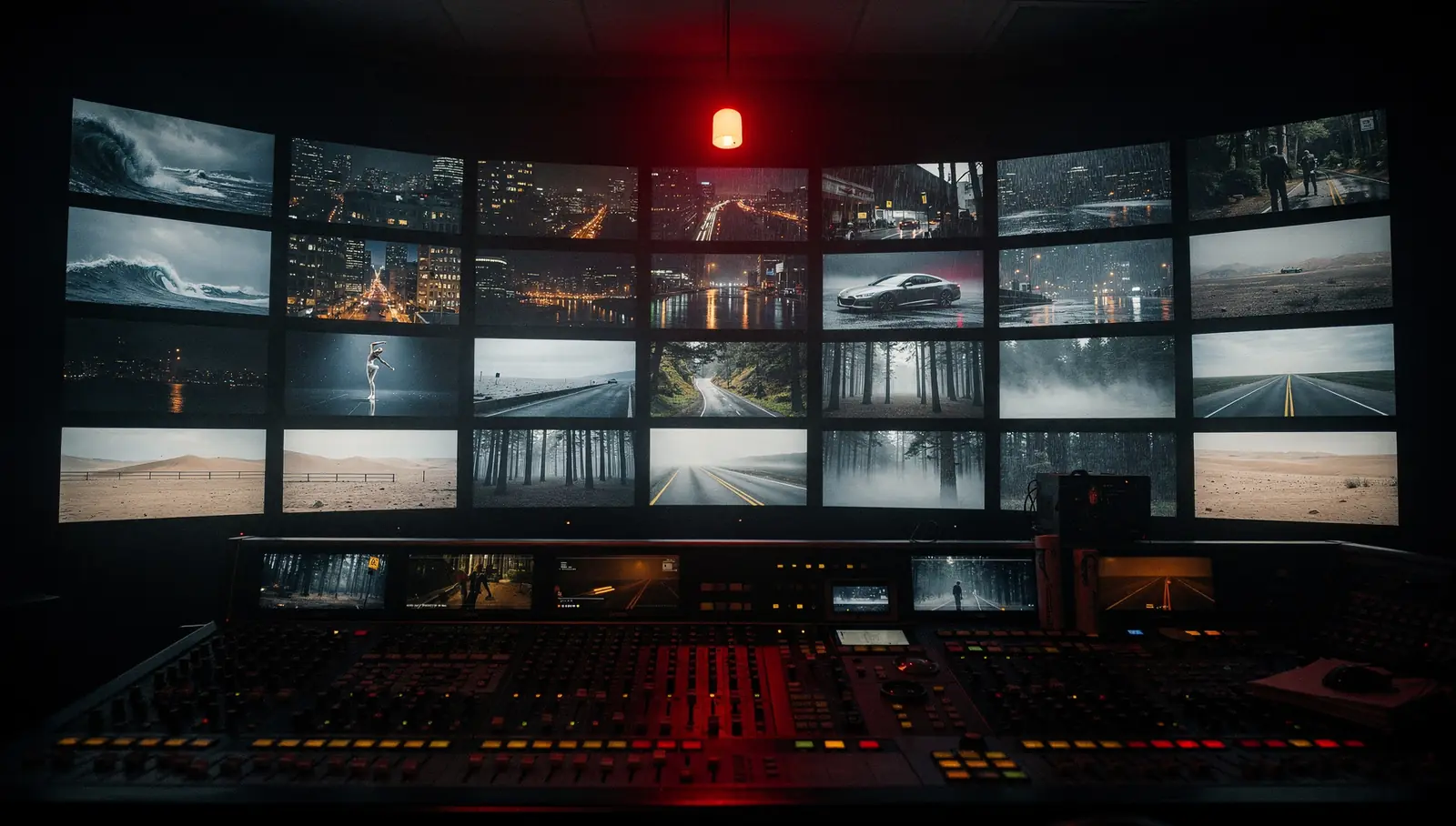
You have a few hundred stills (product shots, character renders, scenes) and each one needs to become a short moving clip. That is what this image-to-video AI service does: our team animates the whole set with WAN 2.2 on our GPUs. You send the images and describe the motion you want; we run a test batch, agree the look with you, then generate the rest and review every clip by hand before delivery.
If you were searching for a bulk AI video generator, note the difference: this is batch video generation done for you, not a self-serve tool. And it is image-to-video. Every clip starts from a picture, yours or one we generate for you first. We don’t offer text-to-video, where the model invents the whole scene from a sentence.
What we animate
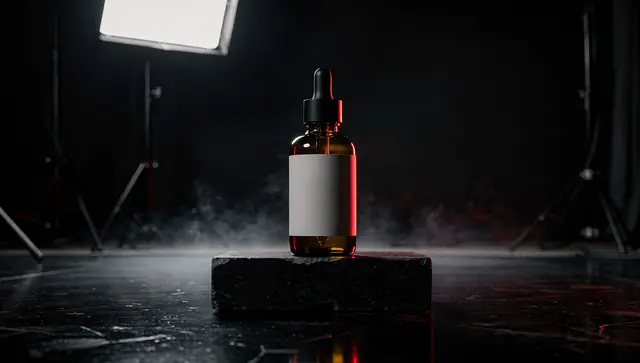
- Products. Packshots and lifestyle photos become short clips: light sliding across a bottle, fabric shifting, steam over a cup, a slow push-in on the item. If you need the stills themselves for hundreds of SKUs, that is our AI product photos service.
- Characters and mascots. The character blinks, turns their head, breathes, makes a small gesture; hair and clothes move. When the character has to look the same across hundreds of frames, we usually start with a character LoRA, generate the stills with it and animate those.
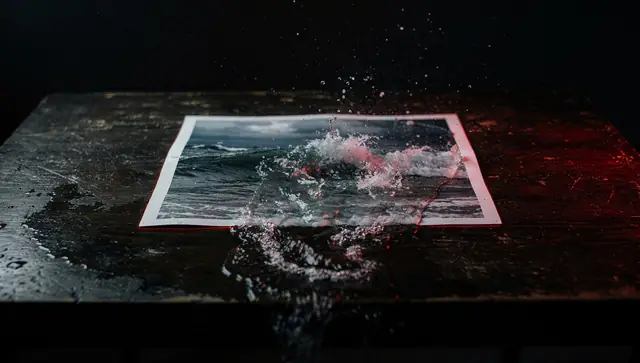
- Scenes. Interiors, landscapes, food, street shots: water, smoke, clouds, flickering light, a slow camera move.
- Covers. Short clips that play where a static image used to be: on a product page, in a post, on a channel.
No stills yet? We can make them first with bulk image generation on your checkpoint and LoRA, or from references with FLUX.1 Kontext [pro] and Nano Banana, and then animate only the frames you approve.
How our WAN 2.2 image-to-video pipeline works
This is the graph we have run end to end in production. Each clip goes through it separately, with its own prompt:
- Start frame. Your image, fitted to the working frame. The default is vertical 9:16.
- Motion prompt. Each image gets its own prompt, written for that specific picture: what moves, how much, and what the camera does. One generic prompt across a batch of different images gives generic motion and more broken clips.
- WAN 2.2 image-to-video 14B. The model runs as two experts. The high-noise one handles the early steps, where composition and motion are laid down; the low-noise one finishes the detail. We run both in fp8 with a Lightning LoRA that cuts the number of sampling steps, which is what makes hundreds of clips practical in time and cost. One segment is 81 frames, about 5 seconds at the model’s native 16 fps.
- Frame interpolation. RIFE doubles the frame rate to 32 fps, so motion looks smooth rather than slightly stepped.
- Upscale. NVIDIA RTX Video Super Resolution enlarges the frames ×2.5. The clip is generated at a lower working resolution and brought up to delivery size at the end, which is faster than generating large frames directly.
- Music, if you want it. The pipeline can generate a background music track for the clip, or we lay your own track over it, one you have the rights to use.
- Encode. mp4 with H.264, the most widely supported combination for editors and platforms.
Test batches and small orders run on our own graphics cards. Large batches go to rented GPUs on Vast.ai, several instances in parallel. A rented instance needs a few minutes for a cold start while the models load; after that, the instances work through their share of the batch at the same time.
If you already have your own image-to-video workflow, say a WAN graph from Civitai or OpenArt with specific LoRAs, we can set up and run that instead. That is our ComfyUI workflow service. The practical side of running WAN at volume is in our guide WAN 2.2 image-to-video in production.
When the result matters more than the template
If you don’t need a particular workflow and simply want the clips, we can also make them through commercial video models by API, on request: PixVerse, MiniMax Hailuo, Seedance, Luma Ray, Veo or LTX-Video. These are the vendors’ models, not ours, so the per-clip cost depends on the model and is quoted separately.
Formats and clip length
| Parameter | Default | On request |
|---|---|---|
| Aspect ratio | 9:16, vertical | 16:9, 1:1, 4:5 |
| Size for 9:16 | 1080×1920 | higher resolution |
| Length | one segment, about 5 s (81 frames) | longer, assembled from segments |
| Frame rate | 32 fps after interpolation | |
| File | mp4, H.264 | |
| Sound | none | music track |
Vertical is the format our pipeline is tuned for, and the format of Reels, Shorts, TikTok and stories. We export 16:9, 1:1 and 4:5 versions from the vertical master by scaling and reframing. For 4:5 and 1:1, part of the frame is cut at the top and bottom, so the subject needs some room around it. A 16:9 version of a vertical clip means either a heavy crop or bars at the sides. If horizontal is your main format, tell us before the test batch: on request we set the generation up for it, instead of cutting a vertical clip down afterwards.
Clips longer than about 5 seconds are assembled from several segments. Every extra segment is another chance for a face or a product to drift away from the original, so we quote longer clips only after a test.
How we pick the motion on a test batch
WAN doesn’t take direction like a camera operator. It reads the start frame and the prompt and produces motion that fits them, and some motions it won’t produce however the prompt is worded. The test batch is there to find out, on your images, what works before hundreds of clips are rendered.
- You send a sample that covers the range of the set: the easy shots and the awkward ones (busy backgrounds, small text, several people).
- We write a motion prompt for each image and render several variants.
- You pick what you like and tell us what is wrong with the rest.
- We adjust, then fix the prompt style and settings for the full run.
What usually works well:
- soft, natural motion: hair, fabric, steam, smoke, water, clouds, light;
- a slow push-in or pull-out, a gentle pan or tilt;
- small actions by one character: blinking, a head turn, a smile, a hand gesture;
- a product that stays in place while the light or background moves.
What doesn’t work, or not reliably:
- complex camera moves: orbits around an object, fly-throughs, fast tracking shots;
- stunts, fights, acrobatics and other fast action with lots of moving limbs;
- a full 360° turn of a product: the model has never seen the back and invents it;
- several characters interacting with each other;
- small text and logos under strong motion: they blur or change shape.
If something from the second list is essential to your brief, we tell you after the test batch, before the full run starts.
What the price of a clip depends on
Clips start from $1.50 for a short 5-second clip in our standard pipeline. What moves the price:
- Length. The base price covers one segment of about 5 seconds. Longer clips are assembled from segments and quoted separately.
- Resolution and format. Vertical at the standard size is the base. Higher resolution or a generation set up natively for horizontal is on request.
- Motion difficulty. The calmer the motion, the fewer attempts it takes to get a clip that passes review. The test batch shows how many attempts your motion needs, and that goes into the quote.
- Model. Our WAN pipeline or a commercial model by API; the latter has its own per-clip cost.
- Extras. A music track, or your own workflow instead of ours.
Setup and the test batch are included in the order. The minimum order is $50. Payment and timeline are agreed after the brief and the test batch, when both sides have seen what the clips look like.
Video covers for product pages
Product image-to-video is one of the most practical uses of this pipeline: you already have the photos, and the clips are made from them. A short cover plays in place of the main product image or sits in the gallery; the product stays recognizable while something around it moves.
- Calm motion. Light, reflections, steam, fabric, a slow push-in. The shape and label must match the photo, and strong motion is where they break.
- Checked against the source. Every clip is compared by hand with the original photo; clips where the label or the shape changed are rejected.
- Platform specs. Send the current video requirements of your store or marketplace (length, aspect ratio, file size). They change, so we export to the spec you give us.
- Whole catalog. For hundreds of SKUs, photos and video covers can be produced together as one package: see AI product photos.
Start with a test batch
Send a few images from your set through the request form, describe the motion you have in mind and roughly how many clips you need. We’ll come back with questions or a plan for the test batch.